REsources
Guides, templates, and checklists to help you save time, stay organized, and simplify your workflow so you can focus on what you do best.
Freebies • Templates • Mini Course

Freebies

Squarespace SEO Setup Checklist
Stay on top of the most important SEO and image optimization tasks with this free, easy-to-use Notion checklist. It’s the essential setup and maintenance guide every Squarespace site needs, organized, actionable, and ready to duplicate.
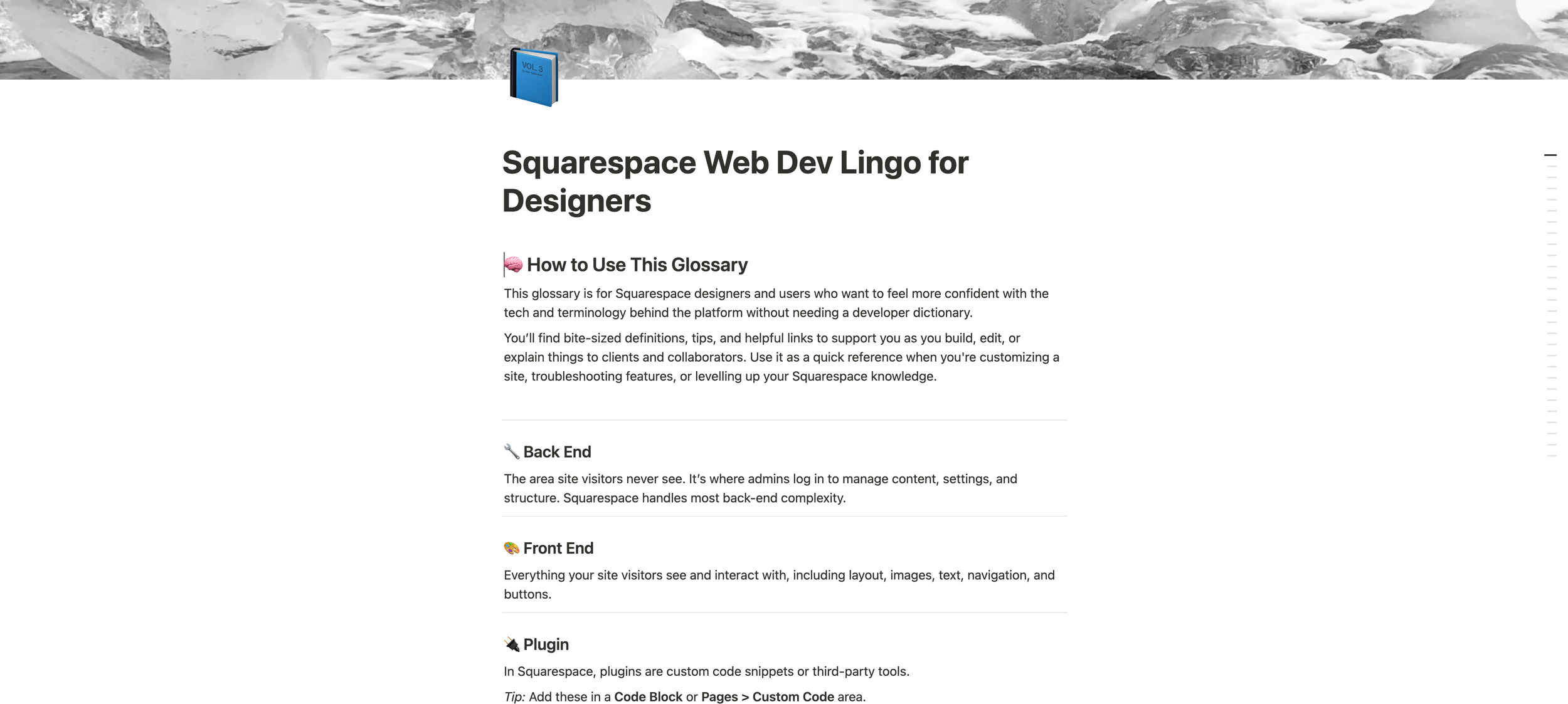
Squarespace Web Dev Lingo for Designers
Get clear on the web development terms you’ll run into as a Squarespace designer without the tech overwhelm. This free Notion glossary is organized, beginner-friendly, and packed with quick definitions, tips, and helpful links. Perfect to reference while building or explaining sites to clients.

My Squarespace Fluid Engine Tips For Designers
Want to speed up your builds and skip the trial-and-error? This guide covers the practical tips I’ve learned while working with the Fluid Engine editor so you can design with more ease and less frustration. Available as a Notion doc and a downloadable PDF, so you can reference it however you work best.
Templates

Notion HQ Template
$7 CAD
I created this template for myself to use every day and would be lost without it. It's a practical workspace that helps me stay organized and productive, including tracking tasks, capturing ideas, planning projects, and keeping my goals visible and actionable. I love it so much I had to share it.

Celine Template
$197 CAD
Meet Celine, an editorial, minimal Squarespace 7.1 Template. Designed for photographers, stylists, jewelry designers, and creatives who want to boldly showcase their work. The template includes 8 editorial styled pages.

Black Rose Template
$197 CAD
Meet Black Rose, a bold and fun Squarespace 7.1 Fluid Engine Editor Template designed to make your content shine. The template includes 7 styled pages and is easily customizable.
Mini Course
Squarespace for Pros Mini Course
$47 CAD
Build more with the new features.
A mini course for anyone building on Squarespace who just wants to know how the new tools work.